



Free AI Keyword Research tools without login
Google Keyword Planner, RightBlogger, AlsoAsked & more no signup, no hidden paywalls.
If you have ever opened a free keyword tool only to hit a signup wall after your first search, you are not alone. Most bloggers, freelancers, and small business owners in the US and UK just want a fast keyword idea, a rough search volume, and a difficulty score without handing over an email address to get it.
The good news: in 2026, AI has quietly rebuilt keyword research from the ground up. You no longer need an enterprise SEO subscription to find profitable long-tail keywords. A handful of free, no-login AI tools can generate hundreds of keyword ideas, group them by search intent, and even show you what questions people are asking AI chatbots like ChatGPT, Gemini, and Perplexity.
This guide breaks down the best free AI keyword research tools that work without login in 2026, how to use them together, and how to turn keyword data into content that ranks on Google and also gets picked up by AI search engines a discipline now known as Generative Engine Optimization (GEO).
What Is a Free AI Keyword Research Tool?
An AI keyword research tool uses machine learning and natural language processing to scan search engines, forums, and content platforms, then suggests keyword variations, related questions, and search intent patterns in seconds. Unlike older keyword tools that pull from just one database, AI-driven tools understand context so a search for “running shoes” also surfaces intent based ideas like “best running shoes for flat feet or running shoes under $100.”
The “no login” part matters because most free tiers cap you at two or three searches a day the moment you create an account. Tools that skip the signup step let you test ideas quickly, compare a few seed keywords, and move on without friction exactly what a solo blogger or small agency needs during early-stage research.
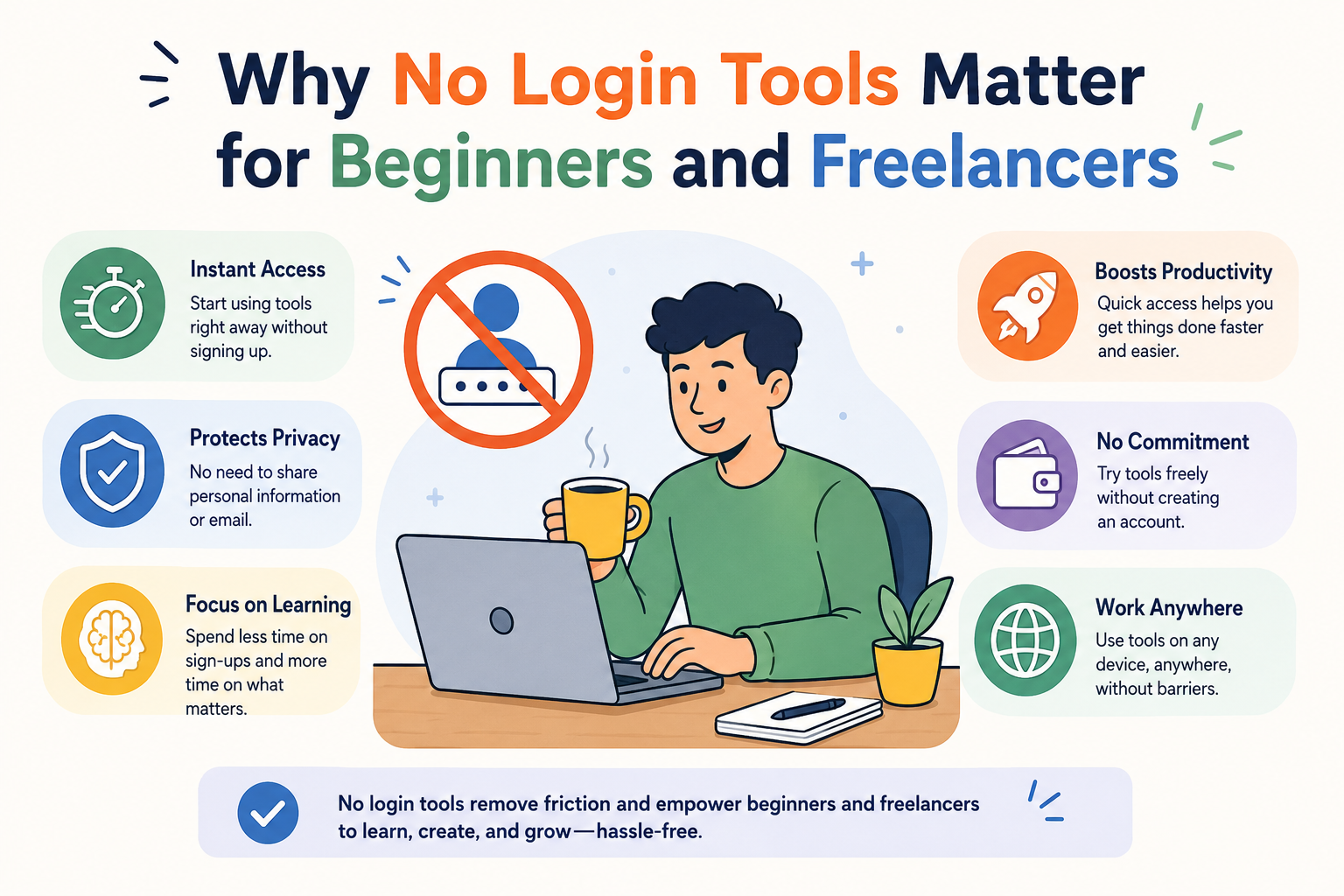
Why No Login Tools Matter for Beginners and Freelancers
For someone just starting a blog or managing a handful of client sites, speed beats depth. No-login tools are ideal for
- Quick brainstorming before a content calendar meeting
- Validating a blog post idea in under a minute
- Testing multiple seed keywords across niches without hitting account-based daily caps
- Avoiding another inbox full of marketing emails

Best Free AI Keyword Research Tools Without Login (2026)
- Google Keyword Planner (Free Plan)
Google Keyword Planner is still one of the most reliable free options, and you can browse keyword ideas and volume ranges without running a paid ad campaign. It offers two main features one for exploratory keyword discovery, and one for deeper research into search volume and forecasting. Exact numbers are hidden unless you are actively spending on ads, but the ranges it gives are usually enough for a first-pass content decision.
Real-world example: Imagine Priya, a freelance content writer in Manchester, is pitching a client on a new blog about home coffee brewing. Before the call, she opens Keyword Planner, types in “espresso machine,” and finds “best espresso machine under 200 pounds” sitting in the 1K–10K monthly search range. She walks into the pitch meeting with that one data point and the client signs off on the topic in minutes no paid tool, no login, just five minutes of research.
- RightBlogger’s Free AI Keyword Tool
This tool is built specifically for bloggers who want AI generated keyword ideas alongside difficulty scoring, with no account required. It shows estimated search volume and keyword difficulty and generates dozens of AI-powered keyword suggestions from a single seed term. It’s a solid choice for a quick read on how competitive a topic is before committing hours to writing.
Real-world example: A new food blogger in Austin, Texas, types “meal prep” into RightBlogger and gets back thirty variations in under a minute, including “meal prep for weight loss beginners” marked as Medium difficulty. Instead of guessing which angle to write about, she picks the lowest-difficulty, highest-relevance option and has her next three blog posts planned before her coffee gets cold.
- SEO.com AI Keyword Generator
SEO.com’s free generator is built around simplicity type in a topic, pick a target country and language, and get keyword suggestions almost instantly. No login is required to get results just enter a topic or a URL and the tool does the rest.This makes it especially useful for US and UK content teams that need to localize keyword intent by region.
Real-world example- A small London-based skincare brand wanted to expand into the US market but wasn’t sure if American shoppers searched the same way as UK ones. Switching the tool’s country setting from UK to US revealed that “moisturizer” outperformed “moisturiser” by a wide margin in American search volume a tiny spelling detail that changed how they titled every USfacing product page.
- Analyze AI’s Keyword Generator
This tool takes a seed term and returns keyword ideas with estimated search volume and an Easy, Medium, or Hard difficulty label. Type in a broad topic, select your target country, and you’ll get a list of related keywords along with monthly search volume estimates. It’s a great second opinion to cross-check numbers pulled from Google Keyword Planner.
Real-world example: A freelance SEO consultant once had a client insist a keyword was too competitive to bother with. Running it through Analyze AI’s Keyword Generator showed the exact same term rated as only Medium difficulty with solid monthly volume, giving the consultant the data to change the client’s mind and win back a topic that was almost abandoned.
- ChatGPT, Gemini, and Perplexity (Free Chat Access)These general AI assistants aren’t dedicated keyword databases, but they’re excellent for the very first step of keyword research brainstorming seed terms and understanding how real people phrase their questions.
They won’t give you exact search volumes, but they’re some of the best tools for surfacing keyword angles you wouldn’t think of on your own. Perplexity adds a useful bonus it shows source citations alongside its answers, making it easier to see which pages are already trusted for a given query.
I tested ChatGPT, Gemini, ai tools by asking it to write a 1,500-word blog outline. The response was well structured and required only minor editing before publishing. guided me very well.
also I generated images using the free version. The image quality was good, but generation speed was slower than expected.
We simply need to provide the appropriate prompts to the AI tools we use, and they deliver the results.
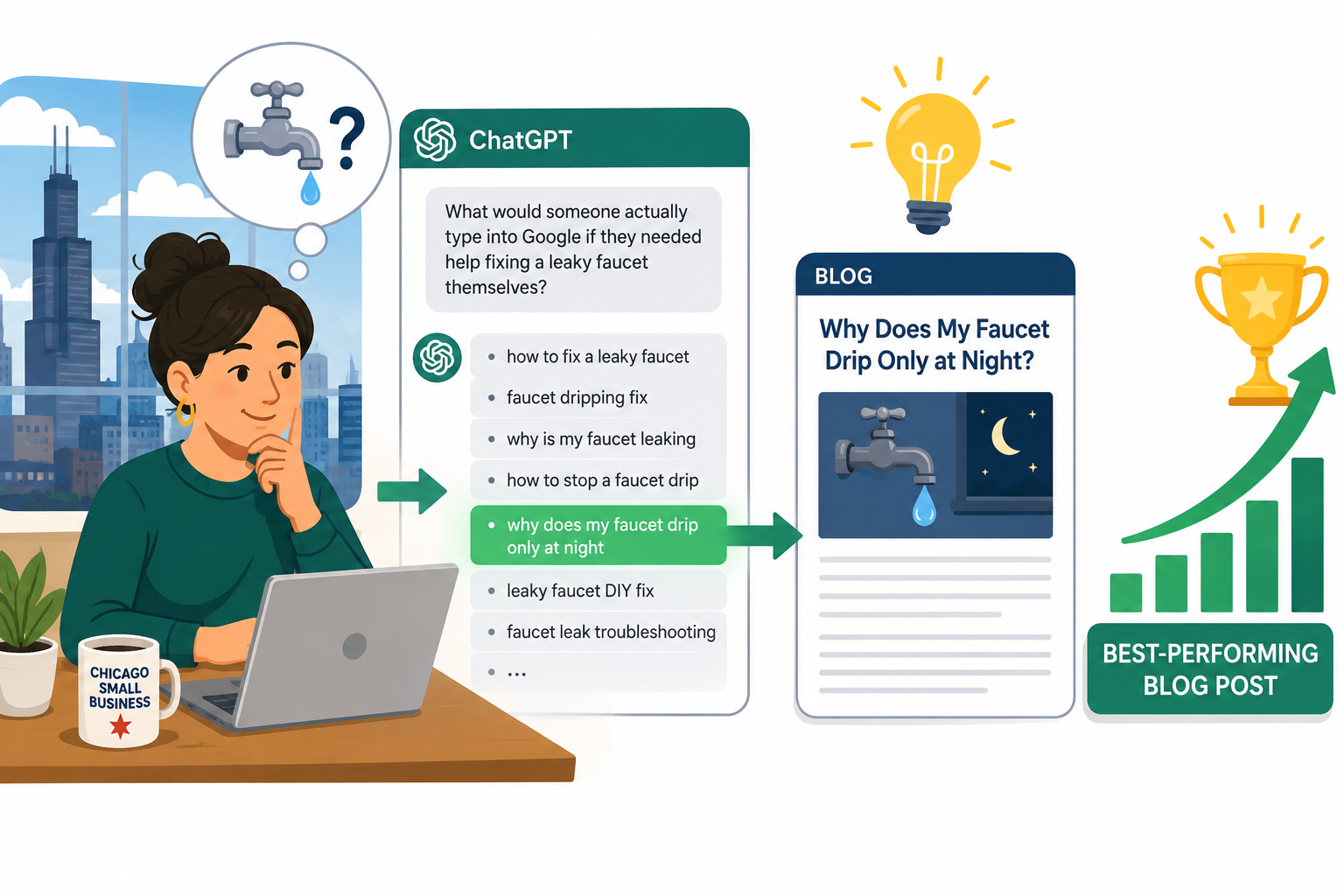
Real-world example: Stuck on writer’s block, a small business owner in Chicago asked ChatGPT, “What would someone actually type into Google if they needed help fixing a leaky faucet themselves?” The chatbot returned a dozen natural phrasings, including “why does my faucet drip only at night,” a long-tail angle she never would have brainstormed alone and it became her best-performing blog post that quarter.+

- Soovle and Other Autosuggest Tools
Soovle pulls autosuggest data from multiple search engines at once, which is handy for spotting long-tail phrasing you’d never think of manually. Since AI keyword tools analyze massive data sets from search engines, forums, and content platforms, autosuggest-style tools like this are a quick way to see real, currently trending search phrasing.
Real-world example: A pet supply store owner typed “dog food for” into Soovle and watched autosuggest results pour in from Google, YouTube, and Amazon side by side. One phrase “dog food for sensitive stomach small breed” showed up across all three platforms, confirming real demand and becoming the exact title of her next product guide.
7. AlsoAsked (Free Plan)If you want to build FAQ sections that genuinely match what people search for, AlsoAsked maps out “People Also Ask” chains for free. It’s especially useful for building FAQ content and understanding the natural sequence of follow-up questions people ask around a topic one of the most underrated tools for answer-engine-style optimization.
Real-world example: A first-time blogger writing about budgeting used AlsoAsked to search “how to save money,” and the tool mapped out a chain of follow-up questions, from “how to save money on a low income” to “how to save money fast in a month.” She turned that entire chain directly into her FAQ section, and the post started showing up in Google’s “People Also Ask” box within weeks.
- Ubersuggest (Limited Free Access)
Ubersuggest remains one of the most popular free keyword tools, though its free tier comes with daily search limits worth knowing before you rely on it heavily. It works well as a supplementary tool once you’ve already narrowed your shortlist using the tools above.
Real world example: A side hustle blogger had narrowed his list down to three possible post topics using other free tools, but couldn’t decide which to write first. Running just those three through Ubersuggest’s limited daily searches was enough to see which one had noticeably higher estimated traffic potential, and that one topic became his highest-traffic post within two months of publishing.
How to Combine These Tools for the Best Results
No single free tool gives you the full picture, so the smartest workflow blends a few together:
-
-
- Brainstorm seed keywords with ChatGPT or Perplexity.
- Validate volume using Google Keyword Planner or Analyze AI’s Keyword Generator.
- Check difficulty with RightBlogger or Ubersuggest.
- Map real user questions for your FAQ section using AlsoAsked.
- Cross-check autosuggest phrasing with Soovle for long-tail variations.
-
Frequently Asked Questions
- Are free AI keyword research tools accurate enough for real SEO campaigns? They’re accurate enough for early stage brainstorming and small websites, but for competitive niches or agency level campaigns, cross-checking with at least two free tools or eventually a paid one is safer than relying on a single source.
- Can I really do keyword research without creating any account? Yes. Tools like Google Keyword Planner’s public interface, RightBlogger, SEO.com’s generator, and Soovle all let you search without a login, though some cap the number of free searches per day.
- Do AI keyword tools work for both the US and UK markets? Most modern AI keyword tools let you select a target country and language, which changes both the suggested keywords and the estimated search volume. Always set this before pulling data for a specific US or UK audience.
- What’s the difference between SEO keyword research and GEO keyword research? Traditional SEO keyword research focuses on ranking a page in search results to earn a click. GEO instead focuses on positioning your content as the source AI engines reference when generating an answer, shifting the goal from earning a click to being included directly inside the AI’s response.
- How often should I redo my keyword research? Every three to six months for most niches, and sooner for fast-moving topics like AI tools, tech, or finance, since new tools and search trends emerge constantly.
- Do free tools show me what people ask ChatGPT or Perplexity, not just Google? Some do. AlsoAsked is useful for mapping People Also Ask style question chains, and Perplexity itself is agood way to see which sources are already getting cited in AI-generated answers for a given topic.
Conclusion
Keyword research used to mean choosing between expensive software or clunky free tools that stopped working after three searches. That trade-off is largely gone. Between Google Keyword Planner, RightBlogger, SEO.com’s generator, Analyze AI, ChatGPT, Perplexity, Soovle, AlsoAsked, and Ubersuggest, it’s entirely possible to run a complete keyword research workflow from brainstorming to volume checks to FAQ mapping without creating a single account or spending a dollar.
The bigger shift, though, is what you do with that research once you have it. Ranking on Google is no longer the finish line; showing up inside AI Overviews, ChatGPT answers, and Perplexity citations is quickly becoming just as important. Pair the free tools in this guide with the GEO practices covered above clear structure, real statistics, direct answers, and regular updates and your content stands a genuine chance of being found by both search engines and the AI assistants that are increasingly standing in front of them.
Start small: pick one topic, run it through two or three of these tools, and publish one well-structured post. Momentum in SEO and GEO alike tends to build from consistency, not from any single tool.
Also Read –How AI Is Transforming Email Marketing | Best AI Tools for Email Marketing (Full Guide)


