Best Free AI Tools for Coding in 2026
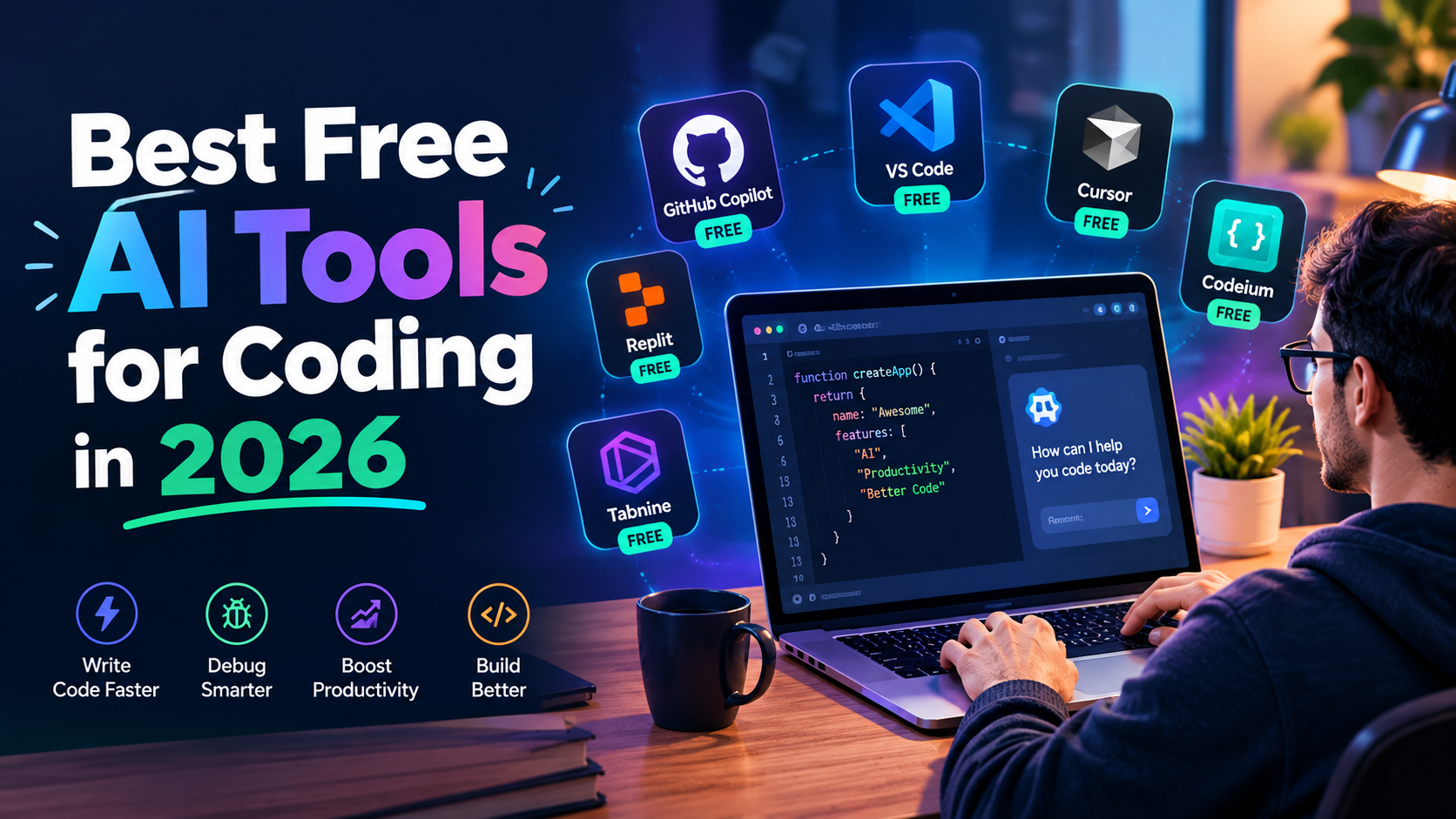
The best free AI tools for coding in 2026 include GitHub Copilot Free for beginners, Cursor’s Hobby plan and Windsurf for AI native editing, Google’s Antigravity and Gemini Code Assist for agent driven development, OpenCode and Cline for terminal based agentic coding, Continue.dev for model flexibility, Amazon Q Developer for regulated and enterprise environments, and Tabnine for privacy first, on premise setups.
Developer adoption of these tools has climbed to 84%, according to the Stack Overflow 2025 Developer Survey, up from 76% the year before and unlike two years ago, a genuinely capable setup no longer requires a paid subscription.
That said, capability and trust haven’t moved in the same direction. The same survey found that only 29% of developers trust AI-generated code, down from 40% in 2024, with AI solutions that are almost right, but not quite” cited as the most common frustration.
Free tools have gotten remarkably strong this year, but they still require a developer who can read, evaluate, and correct what they produce. This guide breaks down which free tools are actually worth installing, what their real limits are, and how to combine a few of them into a complete $0 development workflow.
What Kind of AI Coding Tool Do You Actually Need?
Before comparing specific tools, it helps to separate them into two genuinely different categories, since picking the wrong one for your workflow is the most common reason developers walk away disappointed.
- Completion assistants suggest code as you type, inline, inside your existing editor. They’re fast, low-friction, and generally have the most generous free tiers, since a single suggestion costs the vendor very little to serve.
- Agentic tools take a full instruction add authentication to this API and independently plan, write, run, and test the change across multiple files.
- They’re dramatically more capable, but almost every vendor meters agent usage even on free plans, since a single agentic task can burn through significant compute.
Most developers end up using one of each: a completion tool running constantly in the background, and an agentic tool reserved for larger, well defined tasks.
The Best Free AI Coding Tools in 2026
1. GitHub Copilot Free -Best Starting Point for Beginners
GitHub Copilot’s permanent free tier, launched in December 2024, remains the simplest on ramp into AI-assisted coding. It installs as a lightweight extension across every major IDE, requires no configuration beyond signing in, and provides 2,000 code completions and 50 chat interactions a month enough for someone still learning or coding casually, though active daily use will bump into that ceiling.

Typical use case: A computer science student in Chicago working through her first full-stack project used Copilot’s free tier for inline suggestions while writing routine CRUD endpoints, saving noticeably more time on the repetitive boilerplate than on the parts of the project that actually required original thinking which, she noted, is exactly where the time savings should show up.
2. Cursor (Hobby Plan) -Best Free AI Native Editor
Cursor is a full editor built around AI from the ground up, rather than a plugin bolted onto an existing one. The free Hobby plan includes 2,000 completions and a pool of slower premium requests for more complex tasks each month, giving a real sense of what the paid experience feels like before committing to a subscription.
Typical use case: A freelance web developer in Bristol switched his personal projects entirely to Cursor’s free tier after finding that its whole-codebase context awareness caught inconsistencies between files that a simple inline-completion tool had been missing on the same project for weeks.
3. Windsurf-Best Free Agentic IDE
Windsurf (formerly built on the Codeium engine) pairs a full AI-native editor with Cascade, an agent capable of planning and writing entire modules from a plain language description rather than one completion at a time.
Its free tier remains one of the more generous entry points into genuinely agentic coding without a subscription.
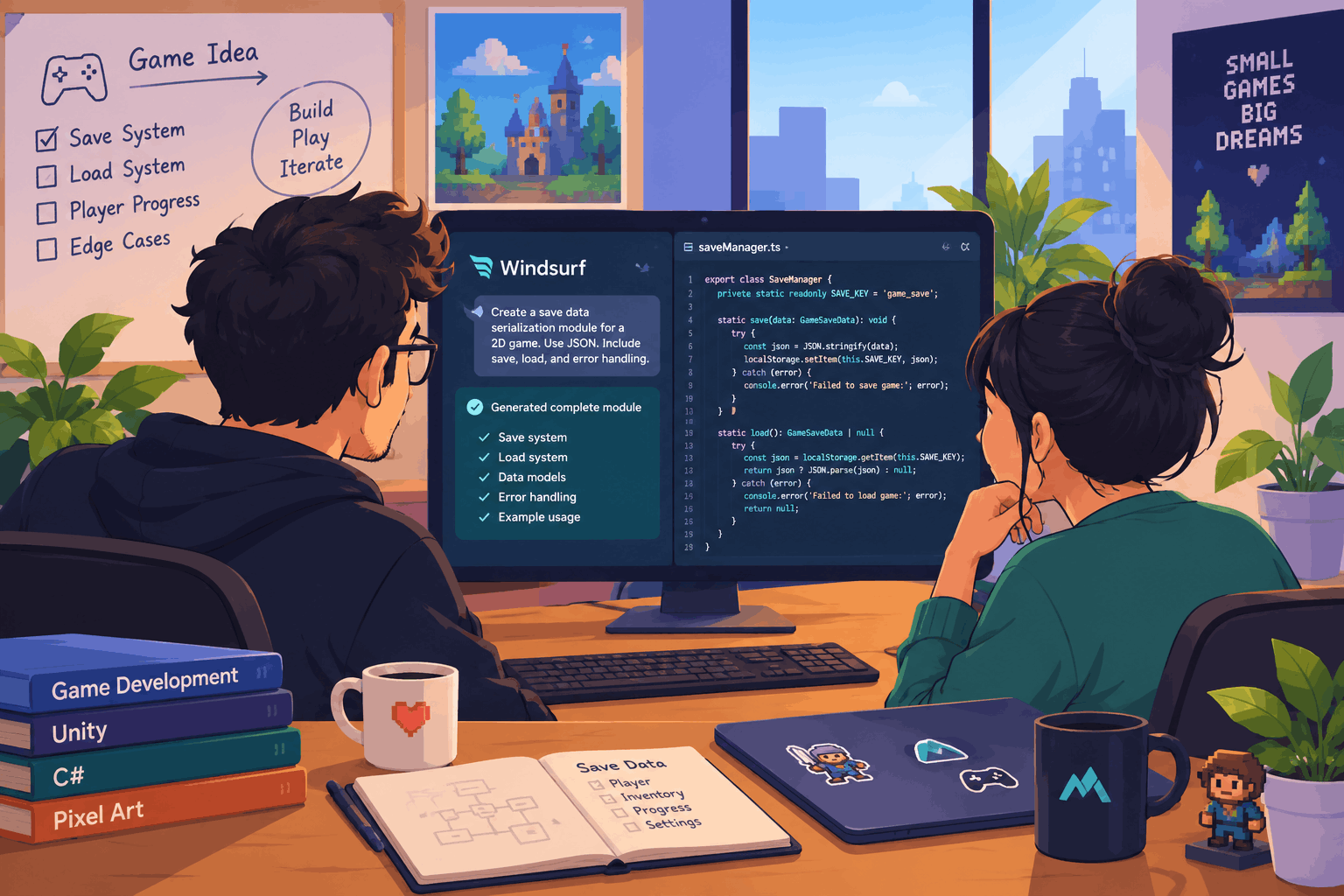
Typical use case: A small indie game studio used Windsurf’s free tier to scaffold an entire save data serialization module from a short description, then spent their own time reviewing and adjusting edge cases rather than writing the repetitive structure from scratch.
4. Google Antigravity-Best Free Multi Agent Environment
Antigravity, Google’s agent first IDE built as a VS Code fork, launched alongside Gemini 3 in late 2025 and is free during public preview with no credit card required.
Rather than suggesting completions as you type, it assigns tasks to autonomous agents that plan, write, run, and verify code across an editor, terminal, and built in browser with up to five agents running in parallel through its Manager view.
Typical use case: A solo developer building a browser extension used Antigravity to run two agents simultaneously one implementing a feature, another writing tests for a separate module cutting the wall clock time on a weekend side project roughly in half compared to working through the same tasks sequentially.
5. Gemini Code Assist-Best Free Tier for Python and Deep Reasoning
Gemini Code Assist brings Google’s Gemini models directly into VS Code and JetBrains with a genuinely generous free tier, and its underlying reasoning strength shows up specifically on complex logic and Python-heavy projects where simpler completion engines tend to stumble.
Typical use case: A data science team at a small biotech startup used Gemini Code Assist’s free tier for exploratory data pipeline scripts, finding it handled multi step pandas transformations with fewer follow-up corrections than the completion tool they’d used previously.
6. OpenCode-Best Free Open-Source Terminal Agent
OpenCode is the standout open-source phenomenon of the past year, with well over 140,000 GitHub stars and roughly six million active monthly developers. It runs entirely in the terminal through a polished text interface, written in Go for startup times under 200 milliseconds, and is genuinely free and unlimited the only cost is whichever API key you connect it to.
Typical use case: A backend engineer at a mid sized logistics company adopted OpenCode specifically for navigating a large, unfamiliar legacy codebase after a team transfer, using it to trace how a particular data flow moved across a dozen files faster than manually grepping through the repository.
7. Cline -Best Free Agentic Extension for VS Code
Cline brings agentic, multi-file editing capability directly into VS Code as an extension rather than requiring a separate editor or terminal workflow.
It takes a bit more setup than a simple completion tool, but rewards that investment with meaningfully more autonomous capability once configured.
Typical use case: A junior developer at a small agency used Cline to handle a repository-wide refactor renaming a widely used function and updating every call site a task that would have meant a tedious, error-prone manual search and replace across dozens of files without it.
8. Continue.dev-Best for Model Flexibility and Local Setups
Continue.dev is an open-source extension for VS Code and JetBrains that connects to virtually any model cloud APIs, local models through Ollama, or a custom endpoint rather than locking a developer into one vendor’s ecosystem.
For anyone who wants full control over which model handles their code, including running entirely offline, this remains the most flexible option on this list.
Typical use case: A developer working on a client project with strict data-handling requirements configured Continue.dev to run entirely against a local model through Ollama, keeping proprietary code from ever leaving the machine while still getting inline AI assistance.
9. Amazon Q Developer -Best Free Tier for Regulated or Enterprise Codebases
Amazon Q Developer offers unlimited free code completions alongside roughly 50 agentic requests a month, with a specific strength in AWS-adjacent projects and enterprise environments where compliance and security scanning matter as much as raw coding speed. Its free tier is unusually generous on the completion side specifically, since Amazon has positioned it partly as an on-ramp to its broader cloud ecosystem.
Typical use case: A DevOps engineer at a healthcare technology company used Amazon Q Developer’s free tier specifically for infrastructure-as-code work across AWS services, valuing its built-in security scanning flagging a misconfigured IAM policy before it reached a code review a catch that mattered more in a compliance heavy environment than raw completion speed would have.
10. Tabnine -Best for Privacy-First, On Premise Coding
Tabnine has built its reputation specifically around privacy, offering on-premise and private deployment options that keep code from ever leaving an organization’s own infrastructure a meaningful differentiator for regulated industries where sending proprietary code to a third party cloud API isn’t an option regardless of how capable the tool is.
Typical use case: A fintech startup handling sensitive trading logic adopted Tabnine specifically because its private deployment model satisfied their compliance team’s requirements in a way that cloud only alternatives couldn’t, even though several competing tools offered marginally faster completions.
How Do You Choose Between These Tools?
Start with how you already work rather than which tool has the most attention online. If you live inside VS Code and want the least friction, GitHub Copilot Free or Cline is the natural starting point.
If you’re comfortable in a terminal and want genuinely unlimited use, OpenCode is difficult to beat. If your priority is agentic, multi-file capability without managing your own API key, Windsurf or Antigravity’s free tier covers that directly.
And if data control matters more than convenience, Continue dev paired with a local model through Ollama keeps everything on your own machine.
Do Unlimited Free AI Coding Tools Really Cost Nothing?
Not entirely, and this distinction trips up a lot of developers new to the space. Proprietary tools like GitHub Copilot Free give you limited but genuinely free usage, capped at a specific number of completions or requests.
Open-source tools like OpenCode, Cline, and Continue.dev give you unlimited usage of the tool itself, but shift the actual cost to whichever LLM API you connect meaning a technically “free” tool can still generate a modest monthly bill once you’re using it heavily, unless you pair it with a free tier API or a local model.
Pros and Cons of Free AI Coding Tools
Pros
- Genuinely capable at $0: the free tier landscape in 2026 offers roughly 80-90% of what a $20/month commercial tool provided just two years ago.
- No vendor lock in with open-source options: tools like Continue dev and OpenCode let developers switch models or providers without switching their entire workflow.
- Lower barrier to entry: a student or hobbyist can access agentic coding capability that used to require an enterprise budget.
- Faster navigation of unfamiliar code: terminal agents like OpenCode meaningfully speed up onboarding into a large, unfamiliar codebase.
Cons
- Trust remains a real concern: with only 29% of developers reporting they trust AI-generated output, every suggestion still needs a careful human review pass.
- Agent usage is almost always metered: even generous free tiers cap agentic, multi-step tasks more tightly than simple completions.
- Open-source unlimited tools carry hidden API costs: heavy use of OpenCode, Cline, or Aider against a paid API can add up to real monthly spend despite the tool itself being free.
- Setup time for the more capable tools: agentic extensions like Cline typically require 15-30 minutes of configuration before they’re genuinely useful, unlike a one click completion install.
How Does AI Coding Assistance Affect a Project’s AI Search Visibility?
This might seem like an unusual connection, but it’s an increasingly relevant one for developer facing products and documentation: the same AI systems developers use to write code are also how a growing number of them research which library, framework, or tool to adopt in the first place.
A project’s documentation, README clarity, and public discussion around it directly affect whether ChatGPT, Claude, or Perplexity recommend it when a developer asks for a suggestion making genuinely well documented, actively maintained open-source tools more likely to be surfaced than obscure but technically comparable alternatives.
For developers building their own tools or libraries, this is a practical argument for investing in clear documentation and specific, example-driven README content, since that’s increasingly the material AI systems draw from when recommending a tool to someone else.
How to Build a Complete $0 Development Stack
Rather than picking a single tool and hoping it covers every scenario, most developers who get the most out of the free tier landscape combine two or three tools deliberately, matched to distinct parts of their workflow:
- Daily completions: GitHub Copilot Free or Cursor’s Hobby plan for constant, low friction inline suggestions.
- Larger agentic tasks: Windsurf, Antigravity, or Cline reserved specifically for well defined, multi-file work like a refactor or a new feature scaffold.
- Unfamiliar codebase navigation: OpenCode for quickly understanding how an unfamiliar repository fits together, particularly useful after a team transfer or when onboarding onto a legacy project.
- Sensitive or regulated work: Continue.dev with a local model, or Tabnine’s private deployment, for any project where code genuinely cannot leave the organization’s own infrastructure.
Typical use case: A five person startup engineering team standardized on exactly this kind of combination GitHub Copilot Free for everyday completions, Windsurf for sprint-level feature work, and OpenCode for the inevitable stretches spent debugging an unfamiliar corner of the codebase.
None of it cost the team a subscription, and the combination reportedly covered nearly everything a paid, all-in-one tool had previously handled for them.
Common Mistakes Developers Make With Free AI Coding Tools
Trusting Agent Output Without Reviewing the Diff
The single most common mistake, especially with agentic tools capable of editing multiple files at once, is accepting a change without carefully reviewing what actually changed. A multi-file agentic edit deserves the same scrutiny as a colleague’s pull request, not a rubber stamp.
Ignoring the Real Cost of Unlimited Open Source Tools
Developers sometimes adopt a tool like OpenCode or Cline expecting zero cost across the board, then are surprised by an API bill once usage climbs. Checking a chosen model’s per-token pricing before heavy use, or pairing the tool with a free-tier API, avoids this entirely.
Sticking With One Tool for Every Task
A completion tool and an agentic tool solve different problems, and relying on only one type tends to leave real productivity on the table either missing out on fast inline suggestions, or trying to force a simple completion tool into handling a task that genuinely needs autonomous, multfile reasoning.
Frequently Asked Questions about Best Free AI Tools for Coding in 2026
What is the best completely free AI coding tool with no limits?
OpenCode is generally considered the strongest genuinely unlimited option, since the tool itself carries no usage cap the only cost comes from whichever API key is connected to it, which can be a free-tier API for light use.
Is GitHub Copilot still worth using now that it has a free tier?
Yes, particularly for beginners. Its free tier’s 2,000 completions and 50 chats a month cover most casual or learning-stage coding needs, and its zero configuration setup remains the simplest entry point into AI-assisted coding available in 2026.
Can I use free AI coding tools for professional, production work?
Many developers do, though the trust data is worth taking seriously only 29% of developers report trusting AI-generated code output, which means every suggestion, especially in production code, needs careful human review before merging.
Do free AI coding tools work offline?
Some do. Continue.dev, OpenCode, Aider, and similar open-source tools support local models through Ollama, enabling genuinely offline, $0 AI coding, though with a quality trade-off compared to the larger cloud-hosted models.
Which free AI coding tool is best for Python specifically?
Gemini Code Assist and Windsurf both perform particularly well on Python, with Gemini’s underlying reasoning strength helping on complex logic and Windsurf’s Cascade agent capable of planning and writing entire Python modules from a description.
How many AI coding tools should a developer use at once?
Most developers settle on two one completion tool running continuously for inline suggestions, and one agentic tool reserved for larger, well-defined tasks like refactors or new feature scaffolding, rather than relying on a single tool for both jobs.
Related Reading
For AI tools covering other parts of a founder or developer’s workflow, see our guides on best AI assistant for small business, best AI marketing tools for startups
Conclusion
The best free AI tools for coding in 2026 make a genuinely capable, $0 development setup realistic for the first time GitHub Copilot Free and Cursor for accessible completions, Windsurf and Antigravity for agentic, multi-file work, OpenCode and Cline for terminal-first developers who want unlimited use, Continue.dev for anyone prioritizing model flexibility or offline privacy, and Amazon Q Developer or Tabnine for regulated, compliance sensitive environments.
The tools have gotten remarkably good; the discipline of reviewing what they produce still hasn’t become optional.
Start with whichever tool matches how you already work, rather than the one generating the most attention this month. Pair a completion tool with one agentic option once a specific task genuinely calls for it, and expect to spend real time reviewing output regardless of which combination you land on that discipline, more than any single tool, is what separates AI-assisted code that ships cleanly from code that quietly causes problems three sprints later.